
Canva has become one of the most powerful tools for creating professional graphics, social media posts, presentations, and digital products without advanced design skills. Beyond designing, you can actually make money with Canva in multiple ways. Businesses, bloggers, social media influencers, and entrepreneurs constantly need visually appealing designs, making Canva skills highly valuable.
Related: Here are 31 Best AI Video Generator Tools in 2026
1. Sell Canva Templates Online
One of the easiest ways to make money with Canva is by creating and selling templates.
Examples: Instagram posts, Pinterest pins, resumes, business cards, presentations, eBook layouts, social media story packs, planners, calendars, marketing flyers, newsletter templates, YouTube thumbnails.
Platforms: Etsy, Creative Market, Gumroad, Shopify, your own website.
Earnings: $5–$50 per template depending on complexity, niche, and demand. Bundles of 5–10 templates can earn $50–$300 per sale. Seasonal and evergreen templates sell faster and generate repeat customers.
Pro Tip: Focus on trendy niches like small businesses, bloggers, coaches, social media managers, wedding planners, and online educators. Offer editable templates and industry-specific bundles to attract repeat buyers and maximize profits.
2. Offer Social Media Design Services
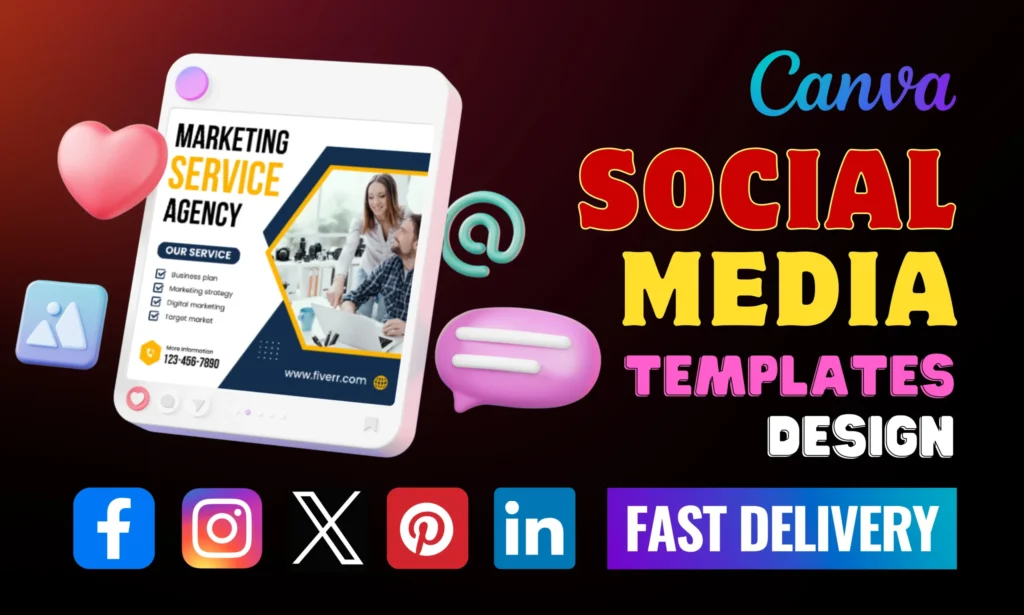
One of the fastest ways to make money with Canva is by offering social media design services.
Examples: Instagram carousels, Facebook ads, YouTube thumbnails, LinkedIn posts, Pinterest pins.
Platforms: Fiverr, Upwork, Freelancer, local clients.
Earnings: $50–$300 per client per month depending on package size. Offering monthly packages or 5–10 post bundles can increase recurring income.
Pro Tip: Showcase your portfolio, offer custom packages, and target trending niches like e-commerce, coaching, and wellness brands. Focus on keywords like “Canva social media services,” “Canva freelance jobs,” “social media Canva designer,” and “make money with Canva online” in your profile, gig description, and posts to attract more clients.
3. Create Digital Products
3. Create Digital Products
Creating and selling digital products is a powerful way to make money with Canva. You can design planners, journals, calendars, checklists, workbooks, eBooks, social media content packs, and worksheets that buyers can download instantly. Selling Canva digital products online is ideal for beginners and experienced designers alike.
Examples: Fitness planners, meal trackers, business templates, blogging guides, social media kits, and productivity journals.
Platforms: Etsy, Payhip, Gumroad, Shopify, or your own website.
Earnings: $10–$100 per product depending on niche, quality, and demand. Bundling several products together can increase your revenue and attract repeat customers.
Pro Tip: Focus on trending niches like small businesses, bloggers, or productivity enthusiasts.
Use high-demand keywords naturally in product titles and descriptions, like “Canva templates,” “digital planners,” or “Canva side hustle” to get more visibility and sales.
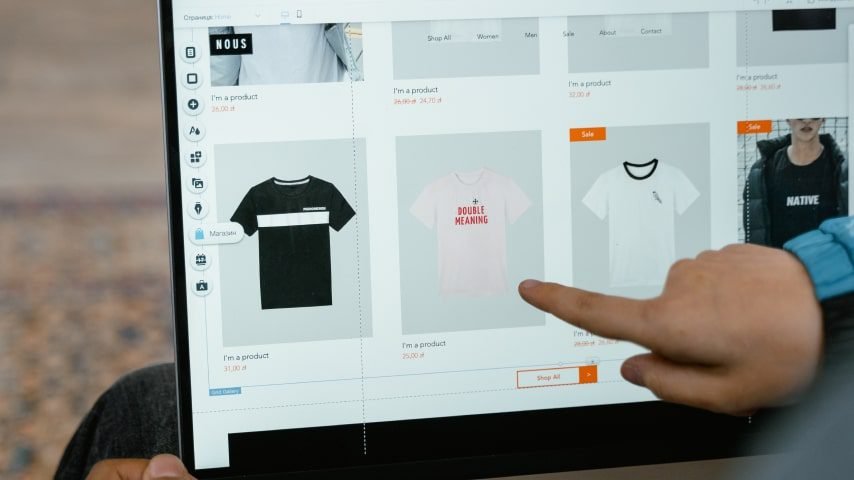
4. Start a Print-on-Demand Business
Creating and selling digital products is a powerful way to make money with Canva. You can design planners, journals, calendars, checklists, workbooks, eBooks, social media content packs, and worksheets that buyers can download instantly. Selling Canva digital products online is ideal for beginners and experienced designers alike.
Examples: Fitness planners, meal trackers, business templates, blogging guides, social media kits, and productivity journals.
Platforms: Etsy, Payhip, Gumroad, Shopify, or your own website.
Earnings: $10–$100 per product depending on niche, quality, and demand. Bundling several products together can increase your revenue and attract repeat customers.
Pro Tip: Focus on trending and evergreen designs, plan for seasonal products, and use bundles for higher sales.
5. Offer Canva Tutorials and Courses
Teaching Canva skills is a profitable way to make money with Canva. You can create step-by-step tutorials, online courses, or video lessons that help beginners or niche audiences design professional graphics. Offering Canva courses and tutorials allows you to monetize your expertise while helping others learn.
Examples: Instagram post design tutorials, Pinterest marketing graphics, eBook layout guides, social media kit creation, Canva hacks for beginners.
Platforms: Udemy, Skillshare, Teachable, YouTube, or your own website.
Earnings: $50–$500 per course or per month depending on student enrollment and subscriptions. Providing additional Canva templates or worksheets can increase value and attract more learners.
Pro Tip: Use trending keywords naturally in your course titles and descriptions, such as “Canva tutorials,” “learn Canva online. Promote your courses on social media to reach more students and grow your income consistently.
6. Freelance as a Canva Designer
Offer freelance design services for presentations, eBook covers, social media graphics, marketing materials, and banners.
Examples: Business presentations, marketing brochures, client social media packs, branded templates.
Platforms: Fiverr, Upwork, Freelancer, local clients.
Earnings: $15–$50 per hour depending on skill level and project complexity. Experienced freelancers can charge $100–$500 per project.
Pro Tip: Build a strong portfolio, specialize in a niche, and provide consistent updates to retain clients.
7. Create Canva eBooks and Guides
Designing and selling eBooks or guides is an effective way to make money with Canva. You can create visually appealing eBooks for niches like business, health, lifestyle, travel, or personal development. Selling Canva eBook templates allows beginners and experienced designers to monetize their design skills.
Examples: Travel guides, meal plans, business workbooks, personal growth journals, fitness eBooks, digital recipe books.
Platforms: Amazon KDP, Gumroad, Payhip, Etsy.
Earnings: $5–$20 per eBook depending on niche, design quality, and demand. Bundling eBooks with related templates or printables can increase your overall income.
Pro Tip: Use professional Canva layouts, focus on your target audience, and ensure your designs are visually appealing and easy to edit.
8. Design Printable Wall Art
Creating printable wall art is a simple way to make money with Canva. You can design digital downloads that customers can print at home or use for decoration. Selling Canva printables allows you to reach a wide audience and earn passive income.
Examples: Quotes, calendars, planners, motivational posters, wedding signs, nursery or children’s room art, seasonal decorations.
Platforms: Etsy, Pinterest, Shopify, Creative Market.
Earnings: $2–$15 per download depending on design quality and demand. Bundles of 5–10 printables can earn $20–$100 per sale.
Pro Tip: Focus on trending quotes, seasonal themes, or niche audiences. Offer themed bundles to increase value and attract repeat customers.
9. Offer Canva Branding Packages
Providing complete branding solutions is a profitable way to earn with Canva. You can create logos, social media kits, business cards, flyers, and color palettes for clients who want a professional look. Selling Canva branding packages allows designers to offer high-value services and attract recurring clients.
Examples: Logo sets, social media kits, business card designs, flyers, email templates, brand style guides.
Platforms: Fiverr, Upwork, Freelancer, local business clients, Shopify.
Earnings: $100–$500 per client depending on package complexity and niche. Offering bundled branding services can increase sales and client satisfaction.
Pro Tip: Highlight your portfolio with cohesive brand designs to attract clients. Offer startup or small business packages to maximize appeal.
10. Start a Canva Blog or YouTube Channel
Sharing tutorials, design tips, and Canva hacks is a powerful way to earn with Canva. You can create blog posts or video content that teaches beginners how to design social media graphics, templates, or digital products. Monetizing a Canva blog or YouTube channel can generate multiple income streams.
Examples: Step-by-step Canva tutorials, social media design guides, template creation tips, Canva workflow hacks, review videos of Canva features.
Platforms: Blog, YouTube, Medium, social media channels, or your own website.
Monetization: Ads, affiliate marketing, selling Canva templates or courses, sponsorships.
Earnings: $100–$1,000+ per month depending on traffic, audience size, and monetization methods.
Pro Tip: Use trending keywords naturally in your content, like “Canva tutorials,” “Canva online income,” “Canva side hustle,” and “Canva digital products”. Consistently posting valuable content helps grow your audience and revenue over time .
FAQ – Make Money with Canva
Q1: Can beginners really make money with Canva?
Yes! Canva is beginner-friendly, and you can start earning by creating templates, printables, social media graphics, or digital products. Even with no prior design experience, selling ready-made templates or offering freelance services can generate consistent income.
Q2: How much can I earn using Canva online?
Earnings vary depending on your method, niche, and effort. Beginners can earn $100–$500 per month, while experienced designers offering freelance services, digital products, or print-on-demand items can earn $1,000+ monthly.
Q3: Which Canva skills make the most money?
High-demand skills include social media design, Canva templates for businesses, branding packages, eBook layouts, and printable products. Offering services in trending niches like coaching, e-commerce, or lifestyle also increases income potential.
Q4: Where can I sell Canva templates or digital products?
Popular platforms include Etsy, Gumroad, Creative Market, Shopify, Fiverr, and Upwork. You can also sell on your own website or blog to keep full profits and build a loyal audience.
Q5: Is selling Canva printables profitable?
Yes! Printables like wall art, planners, calendars, and motivational quotes are in high demand. Bundles of 5–10 designs can earn $20–$100 per sale, and seasonal or trending designs often sell faster.
Q6: Can I earn recurring income with Canva?
Absolutely! Offering monthly social media packages, ongoing freelance services, or subscription-based templates can provide steady, recurring income over time.
Q7: Do I need Canva Pro to make money?
Not necessarily. Canva’s free version allows you to create professional designs and sell them. However, Canva Pro unlocks premium templates, images, and features that can speed up your workflow and allow for more advanced products.